

Due to the deprecated iNotes event form starting with VoP 3.2.3 I just asked how to create an appointment in your calendar.
If you create a new event with the “New” button
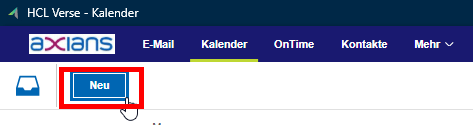
the calendar entry is always stored as meeting because that´s the default functionality of VoP. The Dev Team agreed that this could be improved. But how to create an appointment ?
It´s very easy:
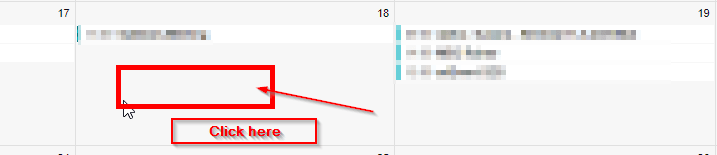
Just click on an empty space in your Calendar grid view – this will open a small form where you can enter a subject and click “Save”:
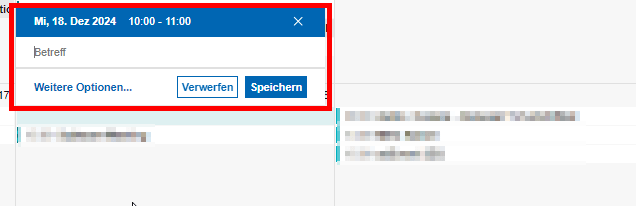
Here you can enter a subject and afterwards click “Save”. Now the calendar entry is created and saved as appointment. Unfortunately the settings from your calendar profile ( e.g. the notification time, .. ) are not moved into the newly created appointment. So if you have to modify this entry you will have to open the appointment and adjust the settings as requested.
If you want to have this option available please vote for this idea:
https://domino-ideas.hcltechsw.com/ideas/VRSOP-I-726
 Tips and News for Collaboration solutions